Spinning disks and tiny cooling fans are why a "quiet" home office still ticks and whooshes after midnight. If you keep archives next to your desk, noise is not a luxury problem: it is focus, sleep, and whether you leave drives powered on at all. Fanless enclosures and a few placement tricks can drop storage noise enough that you forget the hardware is there.
This article covers when fanless gear makes sense, how heat still gets managed without a fan, and practical upgrades for setups that keep an active cooler. You will also see how quieter boxes fit next to NAS and DAS choices we already track on the site, including dual-bay USB DAS units and portable SSDs that have no moving parts.
Why storage noise happens and when fanless helps
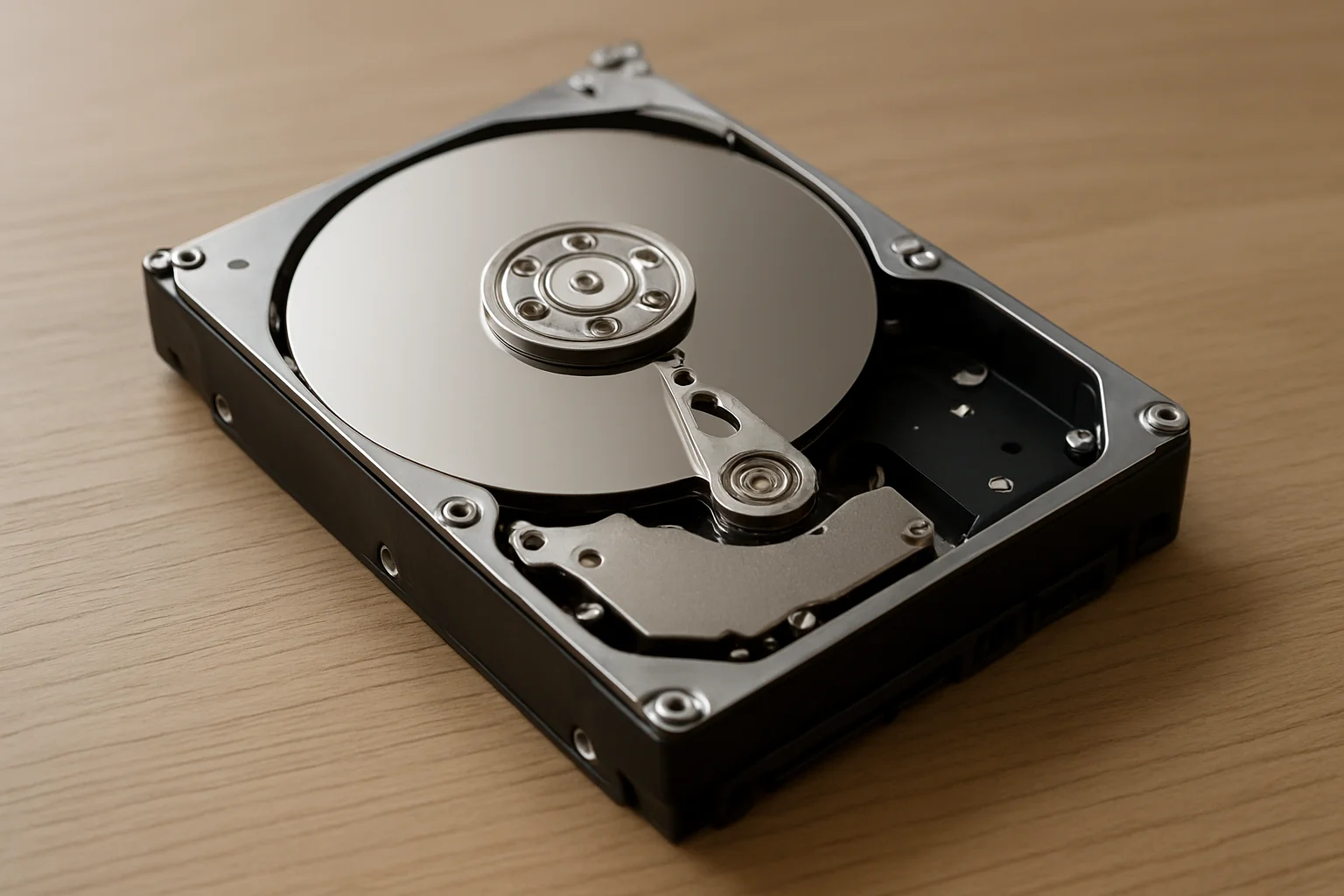
Hard drives vibrate. Those vibrations travel through metal cases, desks, and even wall shelves. Enclosure fans add broadband whoosh, especially cheap sleeve-bearing models that get louder as dust builds up. Together they turn a backup disk into a constant companion.
Fanless designs remove the fan noise entirely. Heat leaves through aluminum shells, fins, or large surface area instead of forced air. That works well for 2.5-inch HDDs, many SSDs, and some 3.5-inch drives at modest workloads. Continuous 4K video ingest or multi-disk RAID rebuilds still produce heat; a sealed brick can throttle or shorten drive life if you ignore thermals.
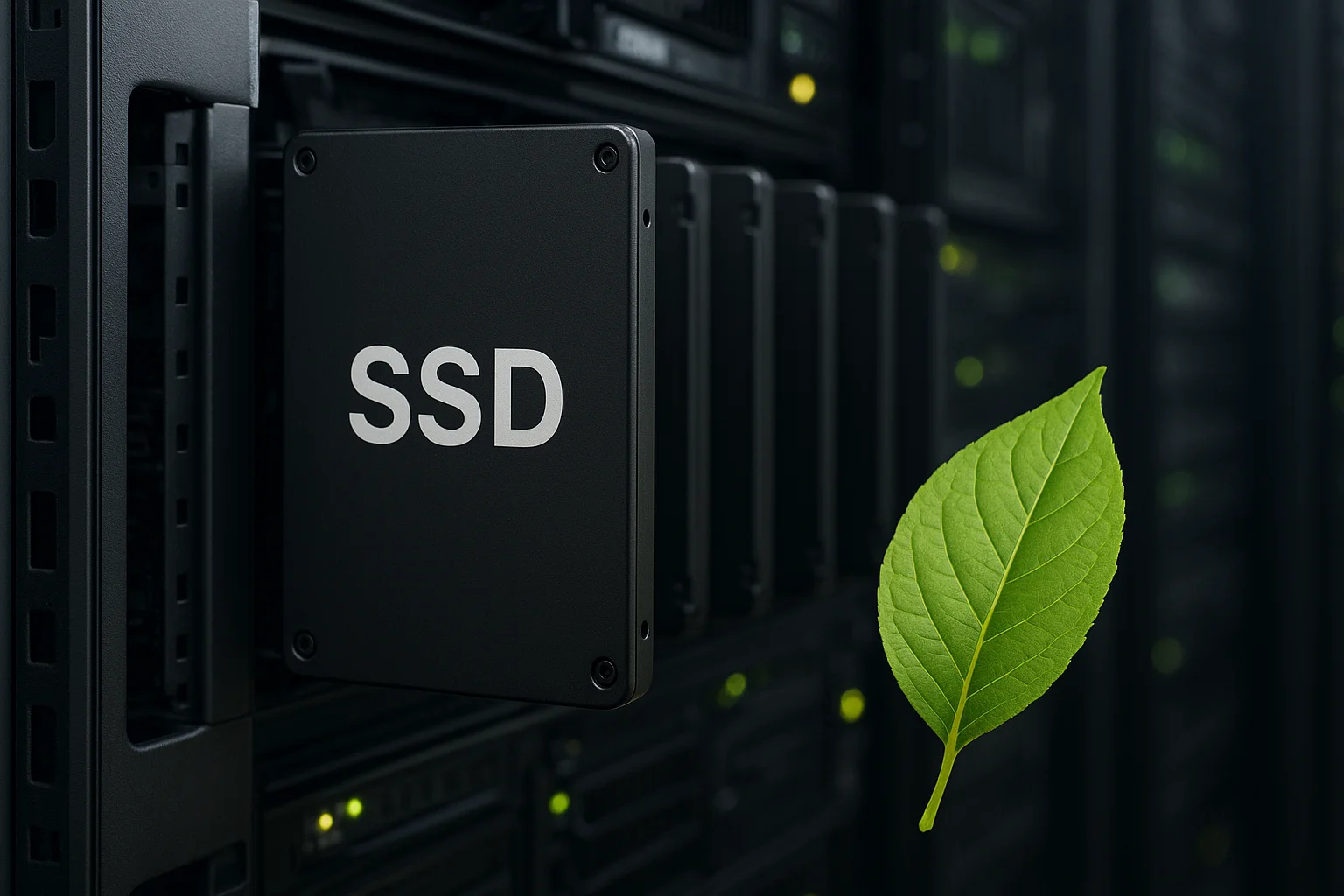
Solid-state media is the easy win. A portable SSD has no platter noise and usually no fan. If your working set fits, compare current options in our portable SSDs under $150 roundup before you buy another spinning disk for the desk. Bulk cold storage is where HDDs still win on price; check capacity pricing in the external HDD price guide and plan to park those drives away from your chair.
Choosing a fanless enclosure that stays cool enough
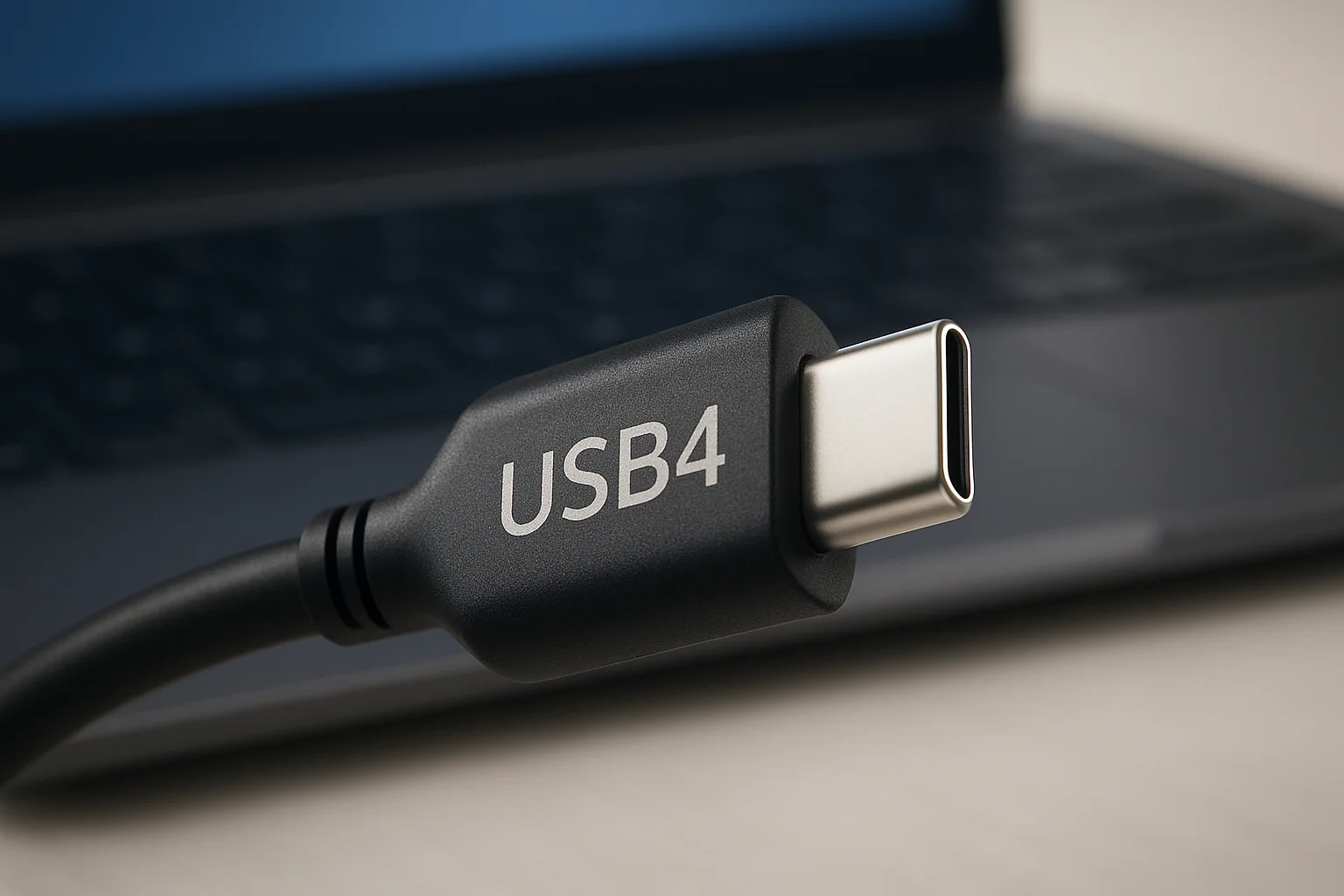
Look past marketing words like "silent." Check material (aluminum beats thin plastic), USB generation (USB 3.2 Gen 2 reduces transfer time, so drives spin less), and whether the shell leaves air gaps under the chassis. Some cases include thermal pads that couple the drive to the lid; install them as the manual shows or you waste the heatsink.
For single-drive archives, a well-built 3.5-inch USB enclosure with a thick shell is enough for intermittent backups. For daily photo dumps, prefer SSD or a short backup window so the HDD rests most of the day. Multi-bay fanless units exist, but two hot 3.5-inch drives in one sealed box need honest wattage and ambient temperature limits. If you outgrow that, a small NAS in a closet with CMR disks (see our NAS HDD picks) moves noise out of the room entirely.
What to verify before you buy
- Supported drive height and whether SMR laptop disks are discouraged.
- Idle vs load power draw and whether the PSU is external.
- Warranty length matching the drives you plan to reuse.
- Tool-free trays vs screws you will actually tighten.
Quieting a traditional enclosure without replacing everything
If your current box has a fan, you can still cut noise. Soft silicone feet or a mousepad under the case break vibration paths into the desk. Moving the enclosure to a side shelf or inside a ventilated cabinet helps more than any software tweak. Replace screaming fans with a larger, slower PWM fan if the case allows, and clean dust every few months.
Spin-down policies matter. Aggressive APM settings can click drives all day as they wake for tiny sync jobs. Schedule backups in one block using something like our backup time calculator so the disk runs hard, then sleeps. Keep the working OS on an internal SSD; leave HDDs for nightly jobs, not constant scratch space.
Cable routing sounds trivial until a loose USB cable buzzes against a metal panel. Foam strips, rubber grommets, and not stacking enclosure-on-enclosure reduce sympathetic rattle. Avoid placing magnetic HDDs against speakers or subwoofers.
Fanless vs active cooling: picking by workload
Fanless wins for always-on quiet desks, nightstands, editing suites where dialogue recording happens, and living-room PCs. Active cooling wins for dense multi-bay DAS, RAID rebuilds, and warm rooms without airflow. A hybrid approach is common: SSD on the desk, HDD backups in a fan-cooled unit in another room, synced on a schedule.
Photographers often sit between both worlds. Card dumps want speed; archives want capacity. A USB dock for cards plus a dual-bay DAS for mirror copies is a pattern we compare in USB dock vs dual-bay DAS. Put the loud part on a shelf; keep the dock within reach.
Thermals are non-negotiable either way. If SMART temperature regularly sits above the drive vendor comfort zone during idle, add airflow or lower ambient heat. Silent and cooked is not a good trade.
A quiet storage layout you can maintain
Start with an inventory: what must stay on the desk, what can live in a closet, what belongs in cloud cold storage. Price cloud vs local honestly with our cloud vs local cost analysis so you do not keep a roaring RAID online for files nobody opens. Use a fanless SSD for the active project folder. Park bulk HDD backups on a schedule. If you need shared access for the household, a compact NAS like the DS224+ behind a door is quieter for you even if the unit itself is not fanless.
Maintenance stays simple: update enclosure firmware when vendors publish it, check SMART monthly, and retest a restore once a quarter. Dust the vents on any active unit. Replace rubber feet when they harden. Those small habits keep a silent setup from slowly becoming a rattle box again.
Quiet storage is mostly placement and media choice. Fanless enclosures remove one noise source; SSDs remove another; moving spinning disks off the desk removes the rest. Pick the mix that matches your heat and capacity needs, then let the hardware disappear into the background of the room.