Offline Encryption Keys: The Single Best Step to Secure Your Archives
Discover why storing encryption keys offline is the most effective way to protect your archives, reduce attack surfaces, and ensure long-term data security.
21 articles
Discover why storing encryption keys offline is the most effective way to protect your archives, reduce attack surfaces, and ensure long-term data security.
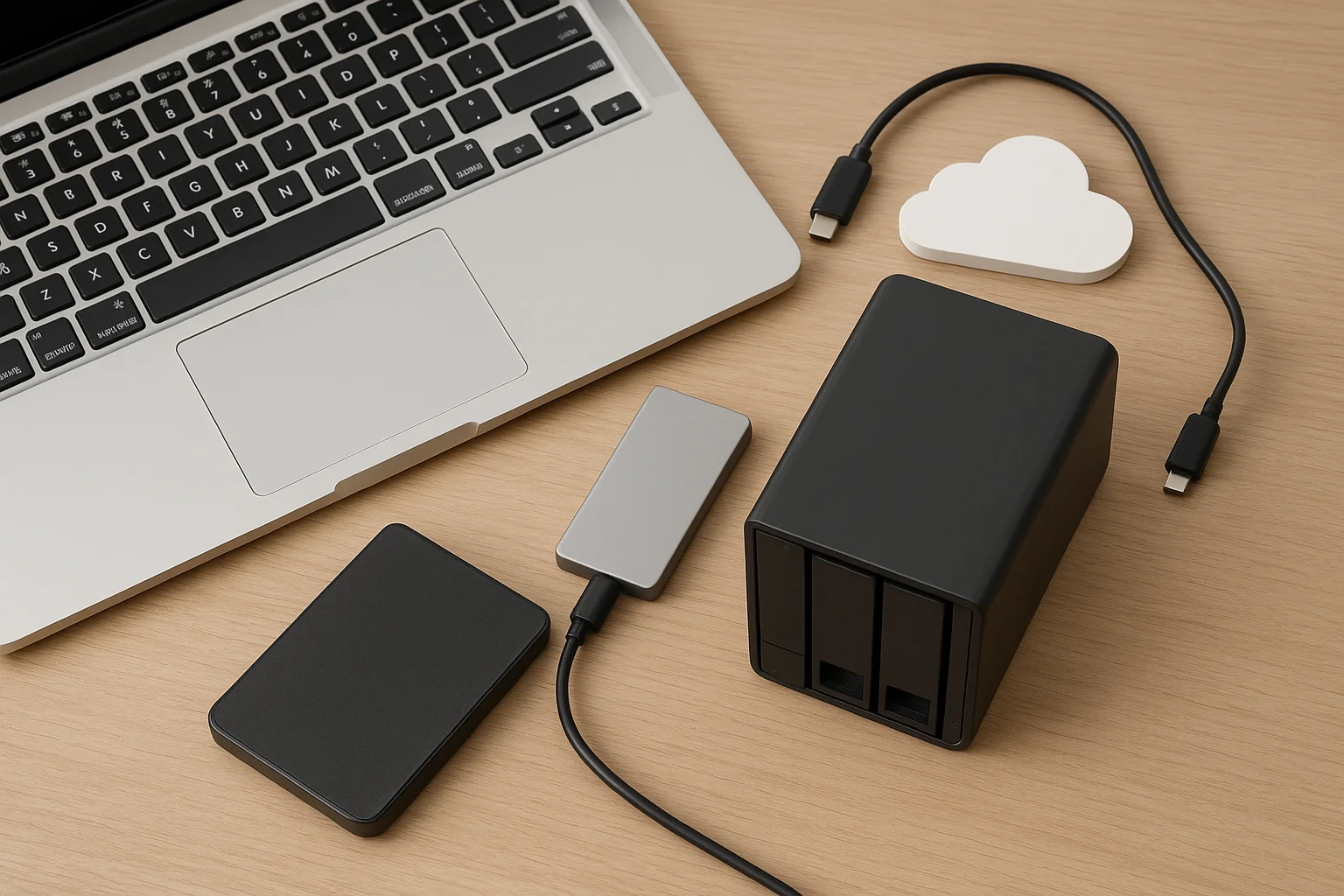
Choosing the right storage for your MacBook can boost performance, protect your data, and simplify your workflow. This guide explains which external SSDs, HDDs, NAS and cloud options work best with macOS, plus essential tips to avoid compatibility issues and select the ideal drive for your needs.
Protect your home office data with a reliable backup routine. Learn practical strategies for identifying critical files, choosing methods, automating backups, and ensuring recoverability.
Discover how the 3-2-1 backup rule keeps your data safe. Learn practical strategies, real-life examples, and tools to prevent loss from hardware failure, cyberattacks, or accidents.
Learn how to efficiently organize your photo library, keep track of memories, and protect your files with smart backup strategies. This guide covers folder structures, tagging, software tools, and automated solutions to ensure your photos are safe and easy to find.
Data loss can strike anyone, from individuals to large organizations. This article explores the most common causes of data loss and provides practical tips to prevent it, ensuring your important files stay safe.
External drives can feel slow without the right setup. In this guide, we explore practical ways to boost performance on macOS, Windows, and Linux. From file system choices to hardware optimizations, you’ll learn how to maximize speed, reliability, and cross-platform compatibility.
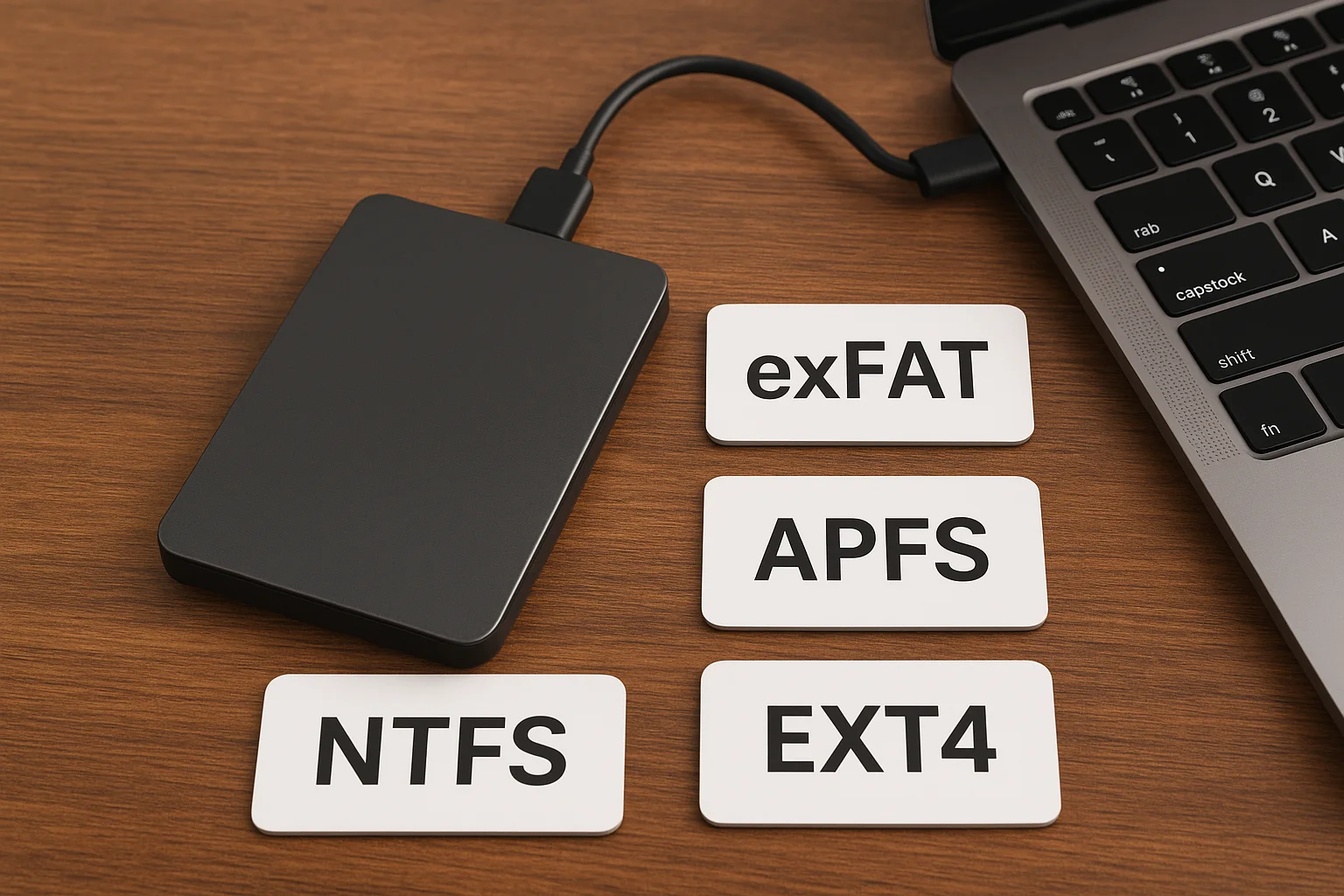
Choosing the right file system for your external drive is key to performance, compatibility, and data safety. This guide compares NTFS, exFAT, APFS, and EXT4 to help you pick the best option for Windows, Mac, or Linux.
Slow file transfers can be frustrating, whether over Wi-Fi or Ethernet. This guide explores practical ways to boost your network speed, optimize hardware, reduce interference, and make large file transfers faster and more reliable.
Slow file transfers can be frustrating, especially with large files. This guide covers proven ways to speed up transfers on external drives, including selecting the best drive, optimizing connections, tweaking system settings, and using the right tools. Boost your efficiency and save time with these practical tips.
Data loss can strike at any time, whether from accidental deletion, hardware failure, or malware. For advanced users, the big question is: should you attempt recovery yourself or leave it to the experts? In this guide, we’ll explore safe DIY recovery methods, the risks involved, and the scenarios where professional help is your best bet.
Ransomware attacks have become one of the biggest cyber threats worldwide, targeting individuals and businesses alike. This article explores practical ways to protect your data, from recognizing threats to implementing strong backups and security measures. By following these essential tips, you can reduce the risk of losing your valuable information and recover quickly if attacked.
Backup devices are essential for protecting your valuable data, but their reliability isn’t guaranteed. Regularly testing these devices helps identify potential issues before they become critical. In this article, we’ll explore practical methods to assess your backup devices’ performance, data integrity, and durability to keep your data safe and your recovery processes seamless.
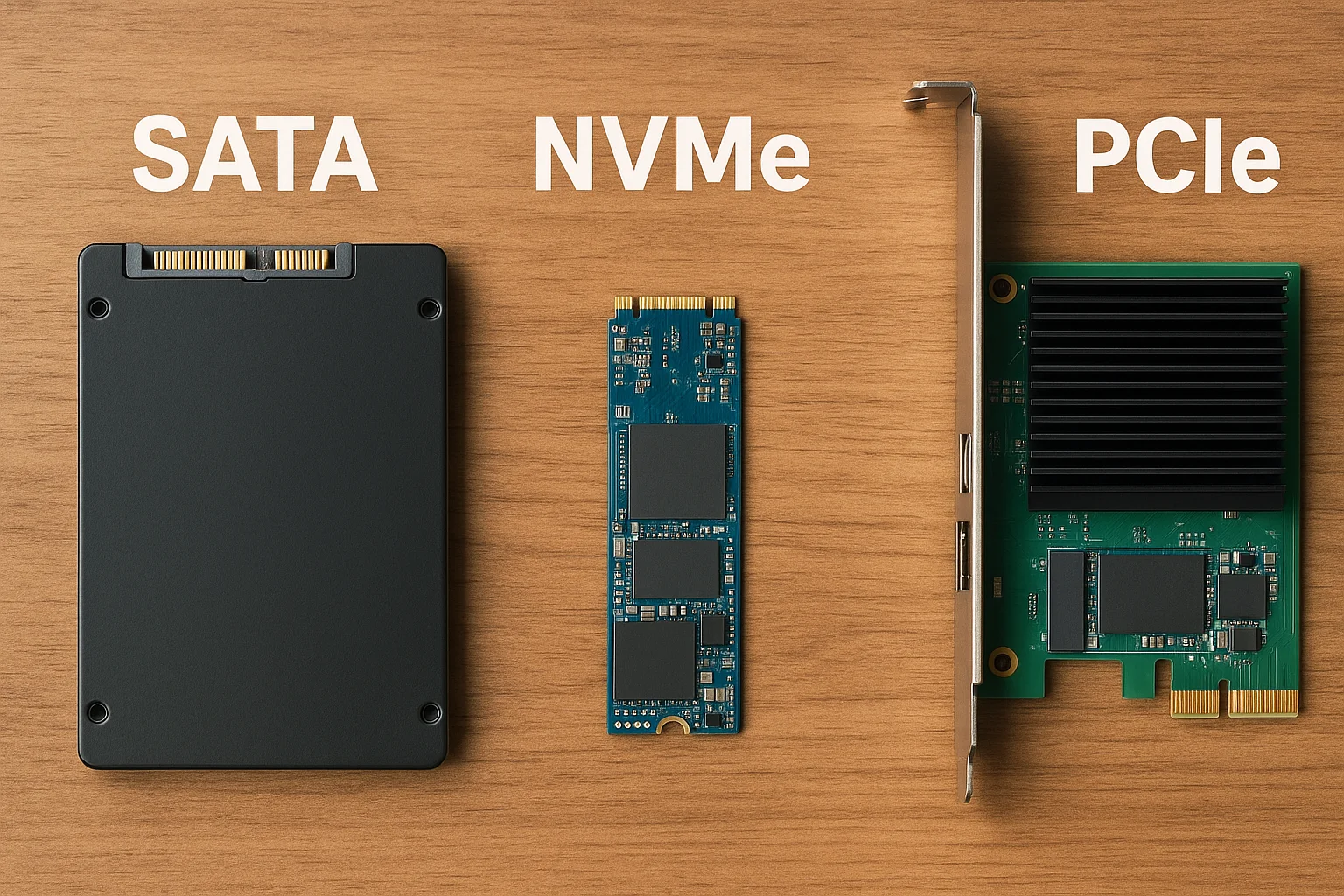
SATA, NVMe, and PCIe are terms often mentioned in the world of storage—but what do they really mean, and how do they differ? In this post, we break down each technology, explain how they work, compare their performance, and help you decide which one suits your needs best, whether you're building a PC, gaming, editing videos, or upgrading your laptop.
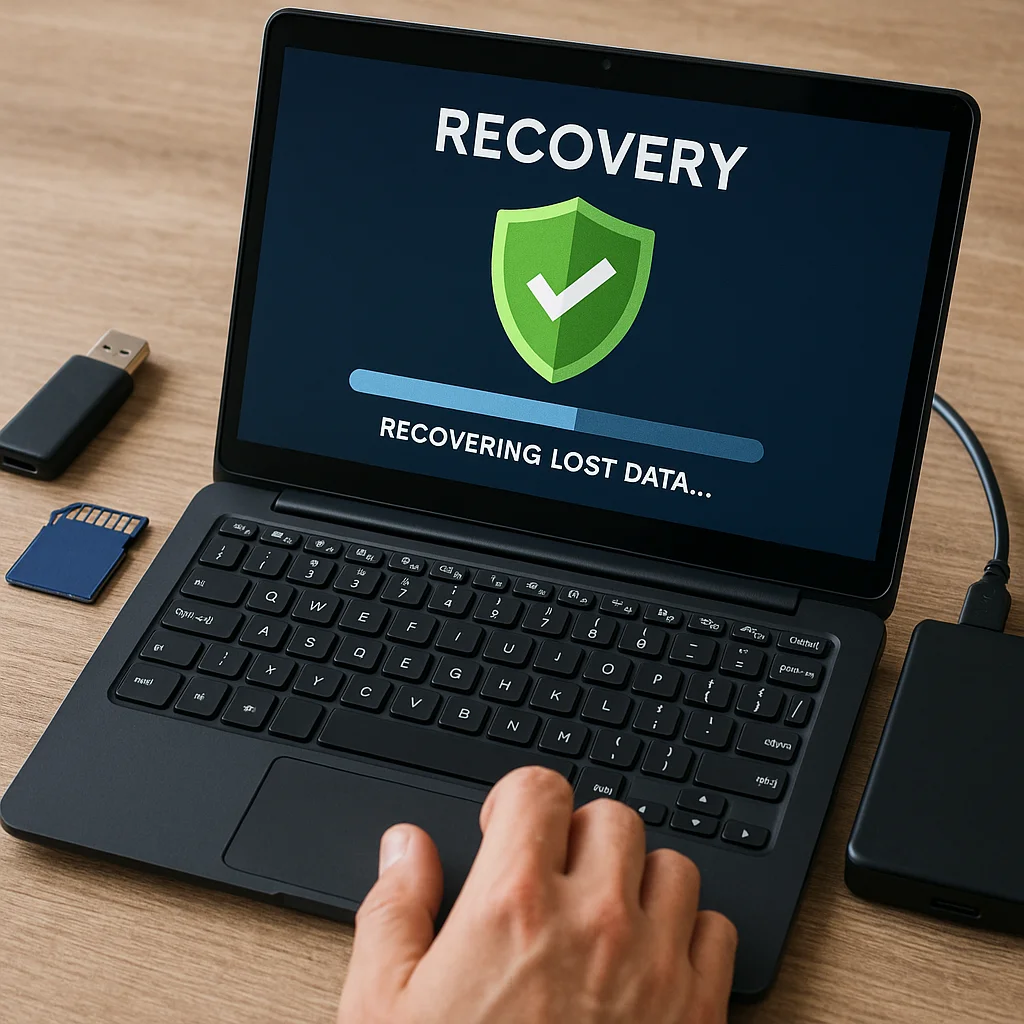
Data loss from corrupted storage devices can be frustrating—but it's not always permanent. In this guide, you'll learn the common causes of corruption, how to use system tools and recovery software to retrieve your data, and when to seek professional help. We also share tips to avoid future data loss.
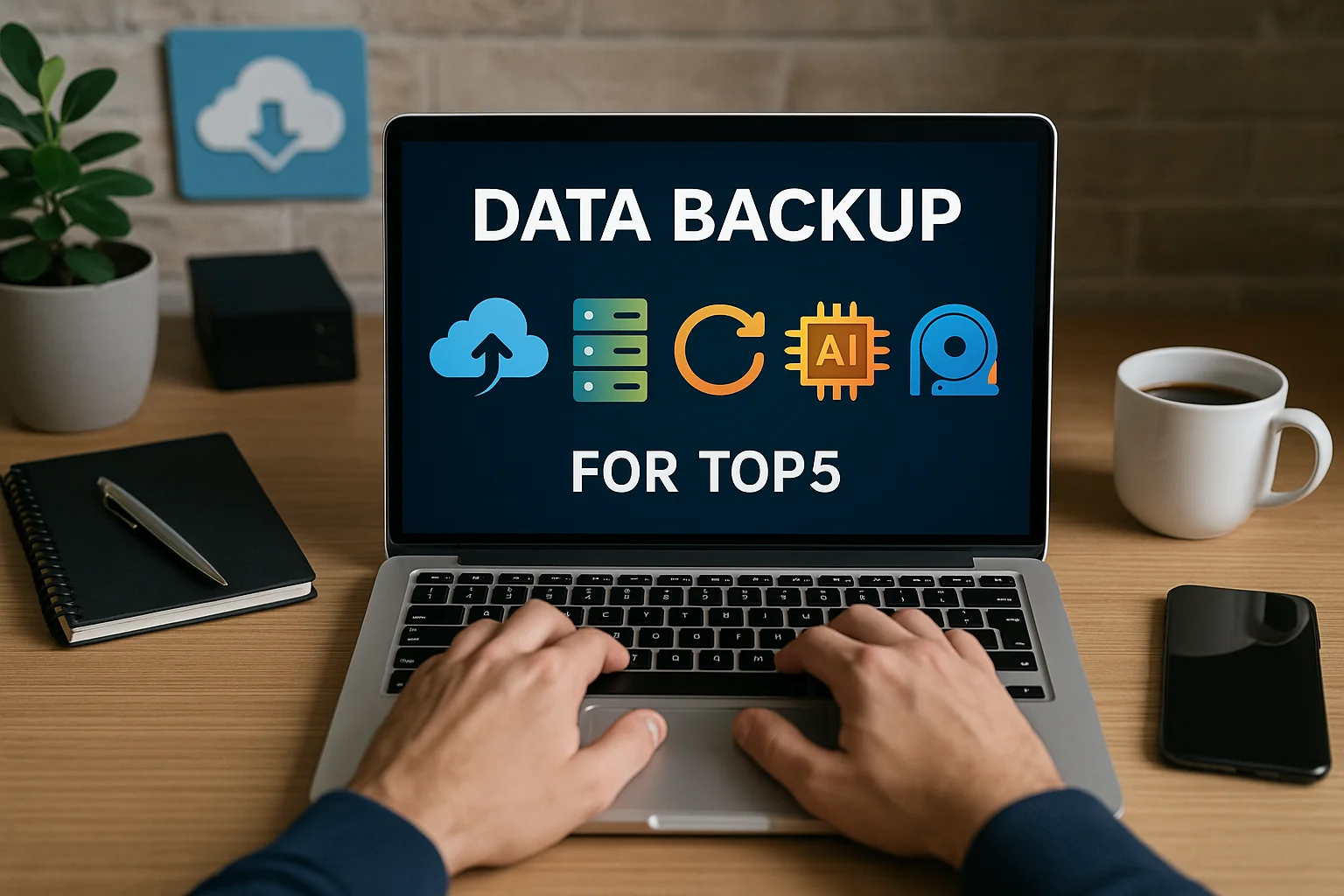
Data loss risks are rising in 2025—from ransomware to human error. In this article, we break down the top 5 backup strategies to help individuals and businesses secure their valuable information and prepare for any data disaster. From cloud to cold storage, discover which solutions offer the best protection this year.
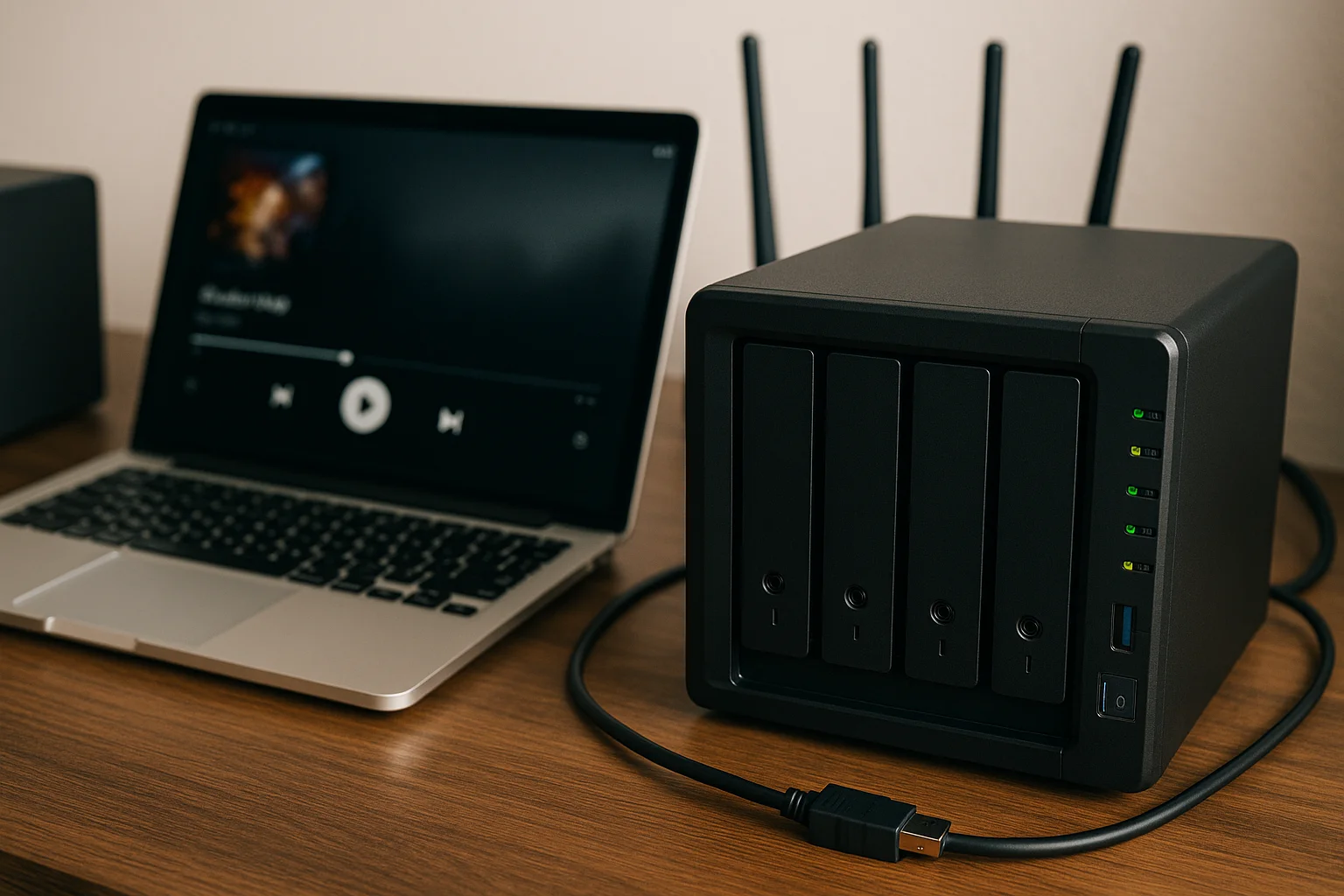
A home NAS (Network Attached Storage) is a versatile device that can handle media streaming and backups, but only if it's properly optimized. In this guide, you'll discover essential tips on choosing the right hardware, configuring your media server, organizing files, securing your data, and optimizing your network for smooth streaming and reliable backups. Maximize your NAS's performance and keep your data safe with these practical strategies.
In 2025, choosing between cloud and local storage is more crucial than ever. As data needs grow, understanding the benefits and drawbacks of each option helps businesses and individuals make informed decisions. This article explores the key advantages and challenges of cloud and local storage, covering cost, security, accessibility, and future trends to guide you in selecting the right solution.
Bandwidth and storage are two essential concepts in the digital world, but they serve very different purposes. Bandwidth refers to the amount of data transferred per second, impacting your internet speed and streaming quality. Storage, on the other hand, is the space where data is saved and accessed. In this article, we’ll explore their differences, uses, and why understanding both is crucial for managing your digital life.
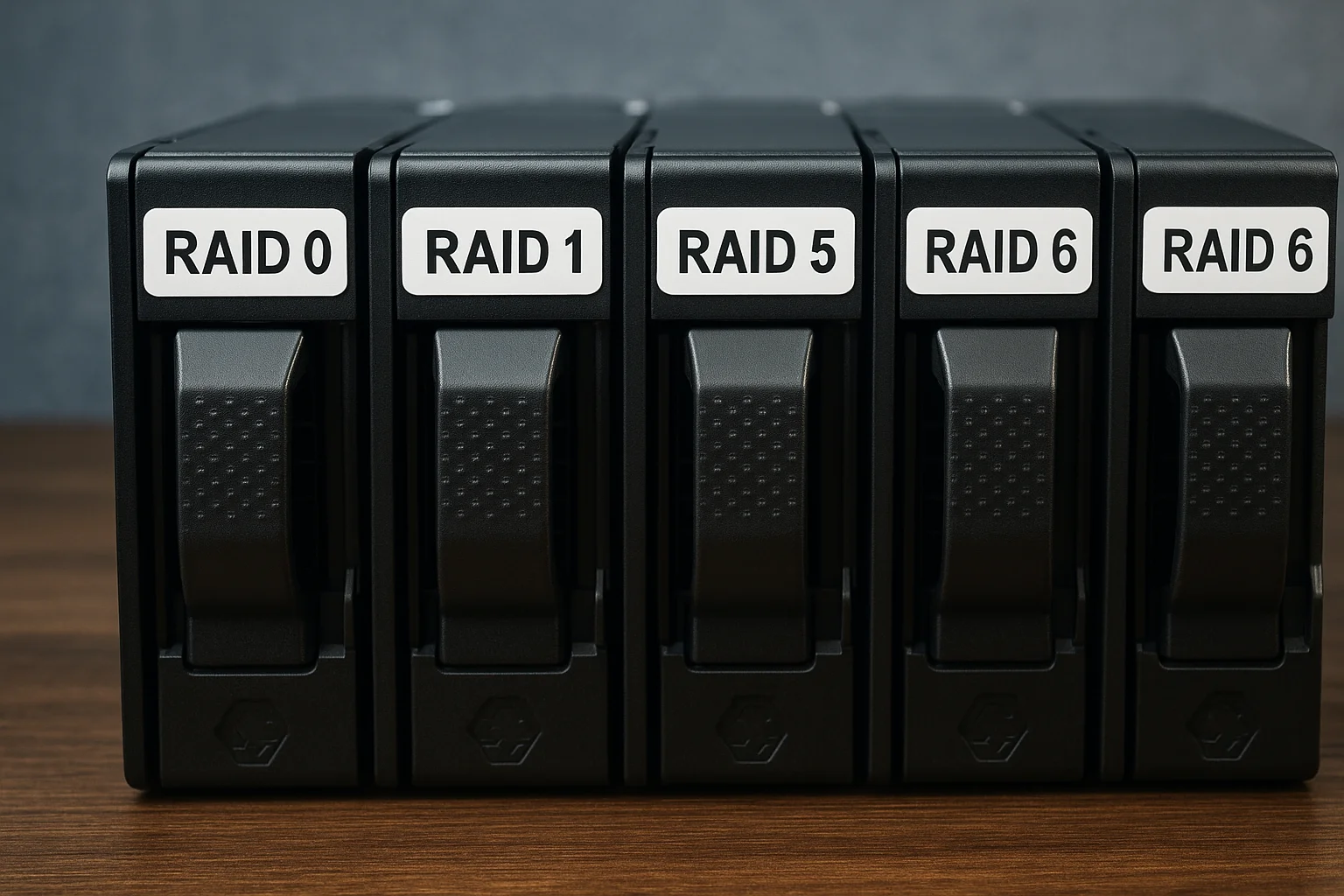
RAID (Redundant Array of Independent Disks) is a vital technology for managing data storage. This guide breaks down the four main RAID types — RAID 0, RAID 1, RAID 5, and RAID 6 — explaining how they work, their benefits, and drawbacks. Whether you prioritize speed, data protection, or a balance of both, understanding these RAID levels will help you make informed storage decisions.
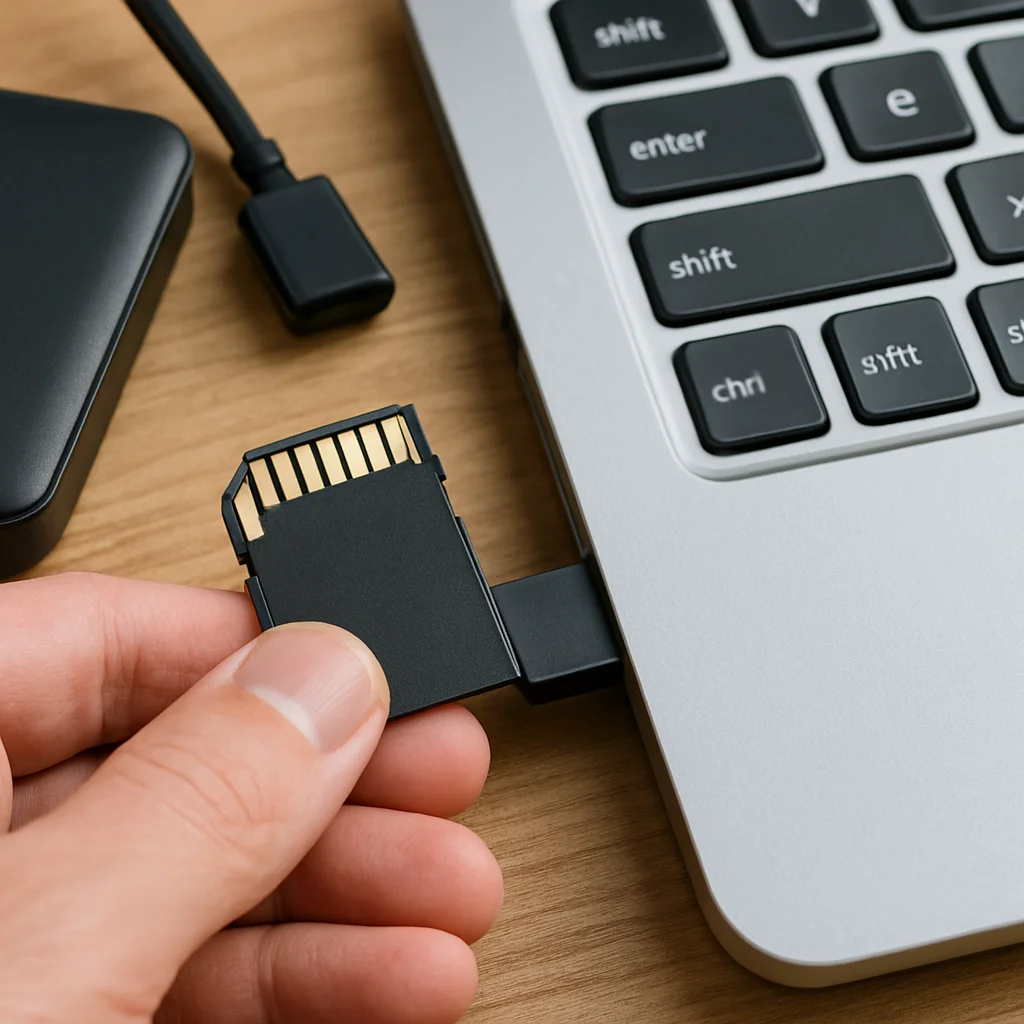
Backing up data on an SD card is essential to prevent loss due to accidental deletion, corruption, or device failure. This guide covers various methods—from manual copying to using backup software and cloud storage—to help you securely save and manage your important files. Whether you’re a casual user or a professional, these tips will ensure your data stays safe and accessible.