Most people shopping for a flash drive in 2026 quickly run into the same problem: their phone and newer laptop have no USB-A port. USB-C drives solve that, but the options split into two distinct categories - dual-connector drives with both USB-A and USB-C ends, and faster single USB-C drives that skip backward compatibility in exchange for higher speeds. Here are the four best options currently on Amazon, with a straight assessment of who each one actually suits.
Browse the full USB drive catalog to compare capacities and current prices before deciding.
| Best Choice | Alt Pick | - | |
|---|---|---|---|
| Preview |  |  |  |
| Title | Samsung Type-C USB Flash Drive 128GB | SanDisk Ultra Dual Drive Go 512GB | Samsung BAR Plus USB 256GB |
| Capacity | 128GB | 512GB | 256GB |
| Read speed | Up to 400MB/s | - | Up to 400MB/s |
| Interface | USB 3.2 Gen 2 | USB | USB |
| Rating | 4.6 / 517,689 reviews | 4.5 / 538,382 reviews | 4.7 / 550,097 reviews |
| Price | $19.99$29.99 | $54.99$69.99 | $34.99$49.99 |
| Buy on Amazon | Buy on Amazon | Buy on Amazon |
Dual-Port vs Single USB-C: Understanding the Trade-Off
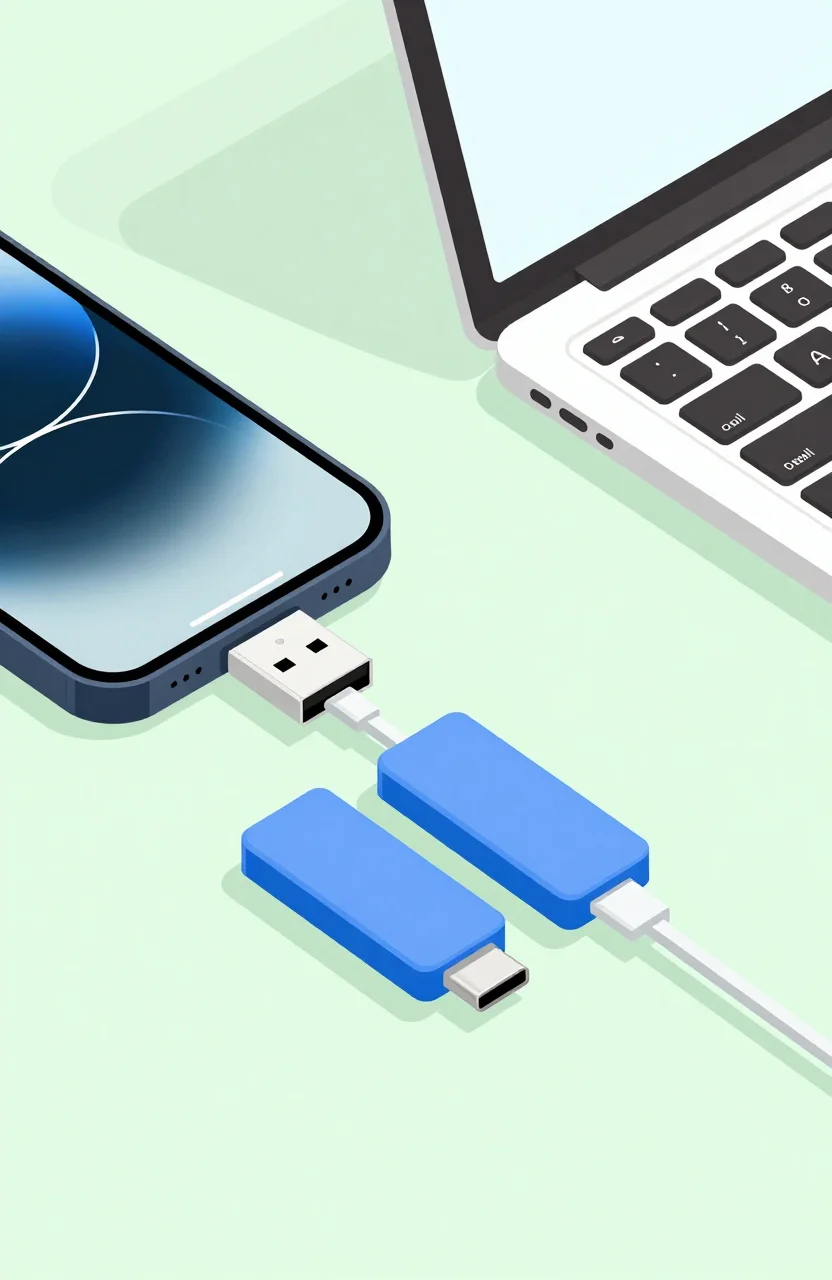
A dual-connector drive (USB-A on one side, USB-C on the other) is the most flexible option you can buy. It works in a desktop PC, an older laptop, an Android phone, or any USB-C hub without needing an adapter. The limitation: dual-connector drives typically max out at USB 3.2 Gen 1 speeds, around 150 MB/s reads. Fast enough for documents and photos, but not for large video files.
A single USB-C drive with a proper controller can reach 400-420 MB/s. That's the choice for photographers, video editors, or anyone regularly moving multi-gigabyte files between USB-C-only devices.
If you're not sure what your devices support, the complete USB key guide covers connector types, USB generations, and what to check before buying.
The Best USB-C Flash Drives in 2026
SanDisk Ultra Dual Drive Go 512GB - Best for Phone and Laptop Flexibility
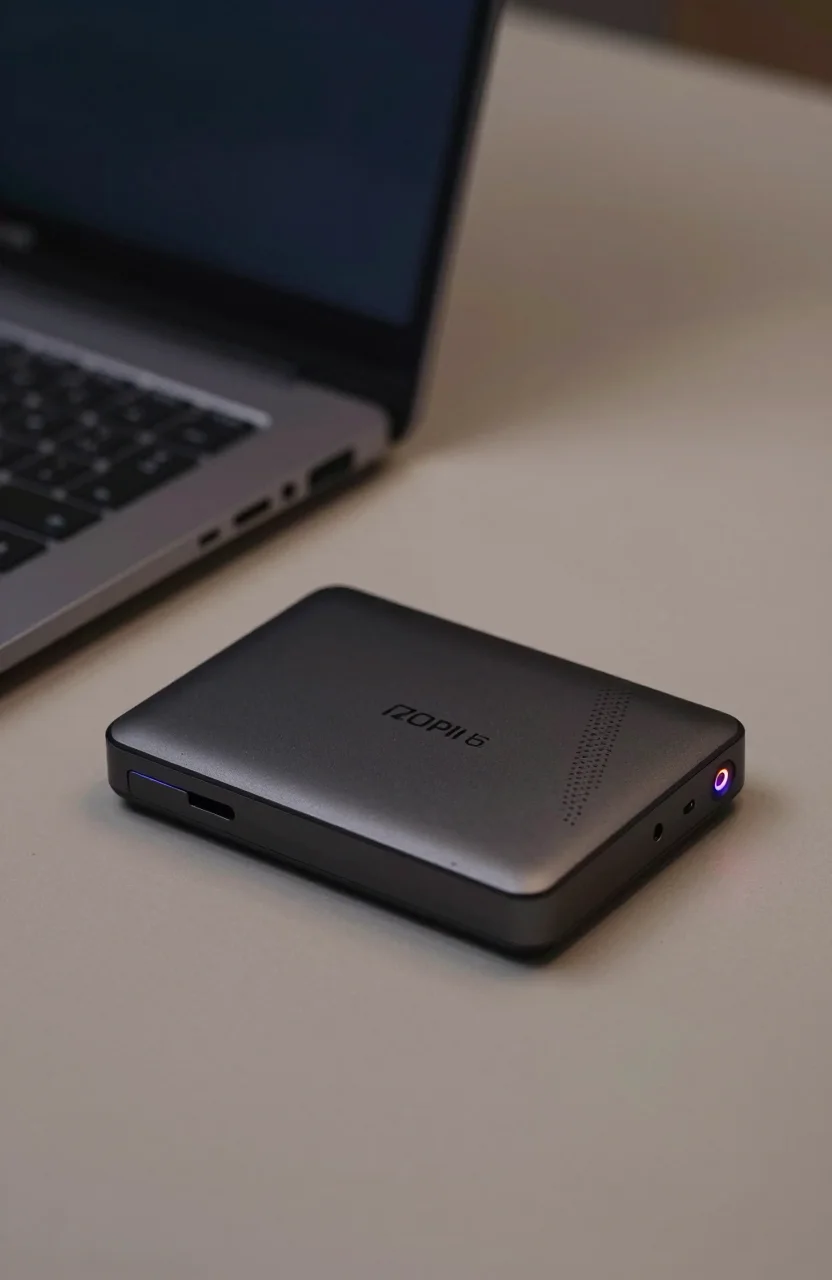
The SanDisk Ultra Dual Drive Go 512GB is the default recommendation for most users. USB-A on one end, USB-C on the other, USB 3.1 Gen 1 for up to 150 MB/s reads. At 512GB, it handles photo offloads from a phone, carries a full movie archive, or works as a shared drive between multiple devices without requiring adapters for any of them.
This is the drive you want if you move files between a phone, a work laptop, and a home PC on a regular basis. The small rotating design keeps both connectors accessible without a cap to lose.
Samsung Type-C USB 128GB - Fast Single-Port for Laptops
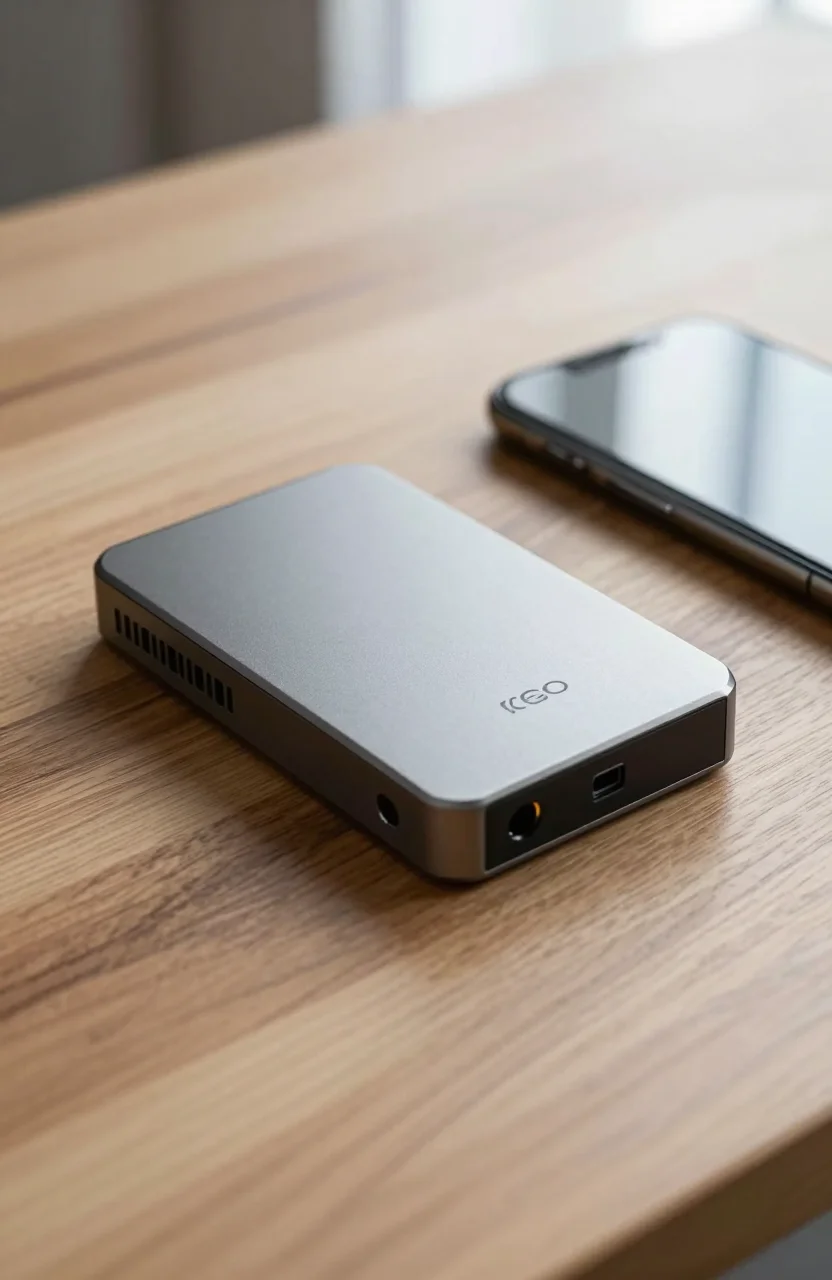
The Samsung Type-C USB 128GB reaches up to 400 MB/s reads over USB 3.2 Gen 2 - fast enough to run applications directly from the drive or transfer a folder of RAW photos in seconds rather than minutes. USB-C only, compact capsule design, no cap to lose.
At 128GB it's aimed at professionals who need fast transfers on the road without carrying a portable SSD. Works well with any USB-C laptop, iPad Pro, or Android phone with USB OTG support.
Samsung BAR Plus 256GB - Most Durable Build
The Samsung BAR Plus 256GB is a USB-A drive with a solid metal body and up to 200 MB/s reads over USB 3.1 Gen 1. It doesn't have a native USB-C connector, but it earns its place in this roundup for one reason: build quality. The full metal casing survives bag abuse, accidental drops, and daily carry without the connector wobble you get on plastic drives after a few months of use.
If you already own a USB-C hub or work primarily on devices that have USB-A ports alongside USB-C, the BAR Plus is the most reliable physical option in this price range. It also handles water and temperature extremes better than any of the plastic-shell alternatives here.
SanDisk Extreme PRO USB 1TB - For High-Volume Work
The SanDisk Extreme PRO USB 1TB reaches up to 420 MB/s read and 380 MB/s write because it uses a real SSD controller and NVMe flash internally - not the conventional flash chip found in standard drives. USB 3.2 Gen 2 (10 Gbps) with a USB-C connector. At 1TB, this is the stick that replaces a portable SSD for users who want everything in one compact form.
Video editors pulling ProRes footage on location, photographers with batches of 100-megapixel RAW files, or IT teams carrying large OS images will notice the speed gap versus standard USB sticks immediately. For a deeper look at how USB 3.2 Gen 2 throughput compares to newer standards, see the USB4 and beyond overview.
Quick Comparison at a Glance
| Drive | Connector | Max Read | Capacity | Best For |
|---|---|---|---|---|
| SanDisk Ultra Dual Drive Go | USB-A + USB-C | 150 MB/s | 512GB | Multi-device flexibility |
| Samsung Type-C USB | USB-C | 400 MB/s | 128GB | Fast laptop transfers |
| Samsung BAR Plus | USB-A | 200 MB/s | 256GB | Durability, hub setups |
| SanDisk Extreme PRO USB | USB-C | 420 MB/s | 1TB | High-volume file work |
Using USB-C Flash Drives with Your Phone
Android phones running Android 6 or later support USB OTG natively. Plug a USB-C drive in and it mounts automatically. Samsung's My Files app and Google Files both give you direct read/write access without installing anything extra. For offloading a full camera roll before a trip, this is often faster than wireless sync and doesn't depend on a network connection.
iPhone users need iPhone 15 or newer for native USB-C drive support. Lightning-port iPhones require a separate adapter and don't support USB OTG. On iPhone 15 and later, connect the drive and open the Files app - it appears under the Locations section alongside iCloud Drive.
A few practical notes before you plug in:
- Format the drive in exFAT for the widest compatibility across Windows, macOS, Android, and iOS. NTFS can trigger read-only behavior on non-Windows devices without extra software.
- Transferring large files drains your phone battery faster than normal use. If you're doing a big offload, plug into a USB-C hub with power delivery at the same time.
- Not all USB-C cables support data transfer. A charge-only cable won't mount the drive. Use the cable included with the drive or one explicitly rated for USB 3.x data.