If you are shopping for an NVMe SSD in 2026, the Gen4 vs Gen5 decision shows up on almost every product page. Peak sequential numbers look dramatic. Day-to-day use often does not. This guide focuses on what you actually feel as a buyer: game installs, large file copies, motherboard support, heat, and whether the price gap is justified.
For a solid Gen4 reference point, start with the Samsung 990 PRO. If you want more speed headroom and your board supports it, compare that against a Gen5 option like the Samsung 9100 PRO. You can also browse current deals on our SSD price tracker before you lock in a capacity.
| Best Choice | - | Best Price | |
|---|---|---|---|
| Preview |  |  |  |
| Title | Samsung SSD 990 PRO 1TB NVMe | Samsung SSD 9100 PRO 2TB NVMe | Samsung SSD 990 EVO Plus 1TB NVMe |
| Capacity | 1TB | 2TB | 1TB |
| Read speed | Up to 7,450MB/s | Up to 14,700MB/s | Up to 7,150MB/s |
| Interface | NVMe | PCIe Gen5 NVMe | PCIe Gen4 NVMe |
| Rating | 4.8 / 513,320 reviews | 4.7 / 51,653 reviews | 4.8 / 56,825 reviews |
| Price | $179.99$239.99 | $399.99$679.99 | $109.99$149.99 |
| Buy on Amazon | Buy on Amazon | Buy on Amazon |
What Gen4 and Gen5 actually change
PCIe Gen4 x4 NVMe drives top out near 7000 to 7500 MB/s sequential in marketing slides. Gen5 x4 pushes theoretical peaks toward roughly 14000 MB/s. Those peaks matter most for sustained sequential transfers: big game installs, raw video dumps, cloning a full drive, or moving multi-gigabyte project folders.
Random IOPS and latency still dominate Windows boot, app launch, and many game load screens. Modern Gen4 drives already make those tasks feel snappy. Moving from Gen4 to Gen5 rarely halves load times the way moving from HDD to SSD once did. Treat Gen5 as extra bandwidth, not a new category of responsiveness for every workload.
Controller design, DRAM or HMB caching, NAND type, and firmware still decide how well a drive holds speed after the SLC cache fills. A well-tuned Gen4 drive can beat a thermally limited Gen5 drive once temperatures climb. Spec sheets alone do not tell that story.
Games vs large copies: where you notice the gap
For gaming desktops, Gen4 is still the practical sweet spot. Texture streaming and shader compilation benefit from fast random reads, which good Gen4 drives already deliver. You may see shorter install times on Gen5 when a title unpacks tens of gigabytes in one go. After that, frame rates and stutters are usually CPU, GPU, and RAM limited, not PCIe generation limited.
Large copies are different. If you regularly move 50 to 200 GB between drives, Gen5 can cut wait time in a way you notice. Creators dumping camera cards, editors parking scratch media, or anyone cloning OS images feel that bandwidth. Casual users copying a few photos or documents will not.
If your workload sits between those poles, a value Gen4 option such as the Samsung 990 EVO Plus often lands in a smarter price band than jumping straight to Gen5. Check how much you are paying per gigabyte in our guide to SSD price per GB in 2026 before you pay for headline sequential scores.
Motherboard support and slot reality checks
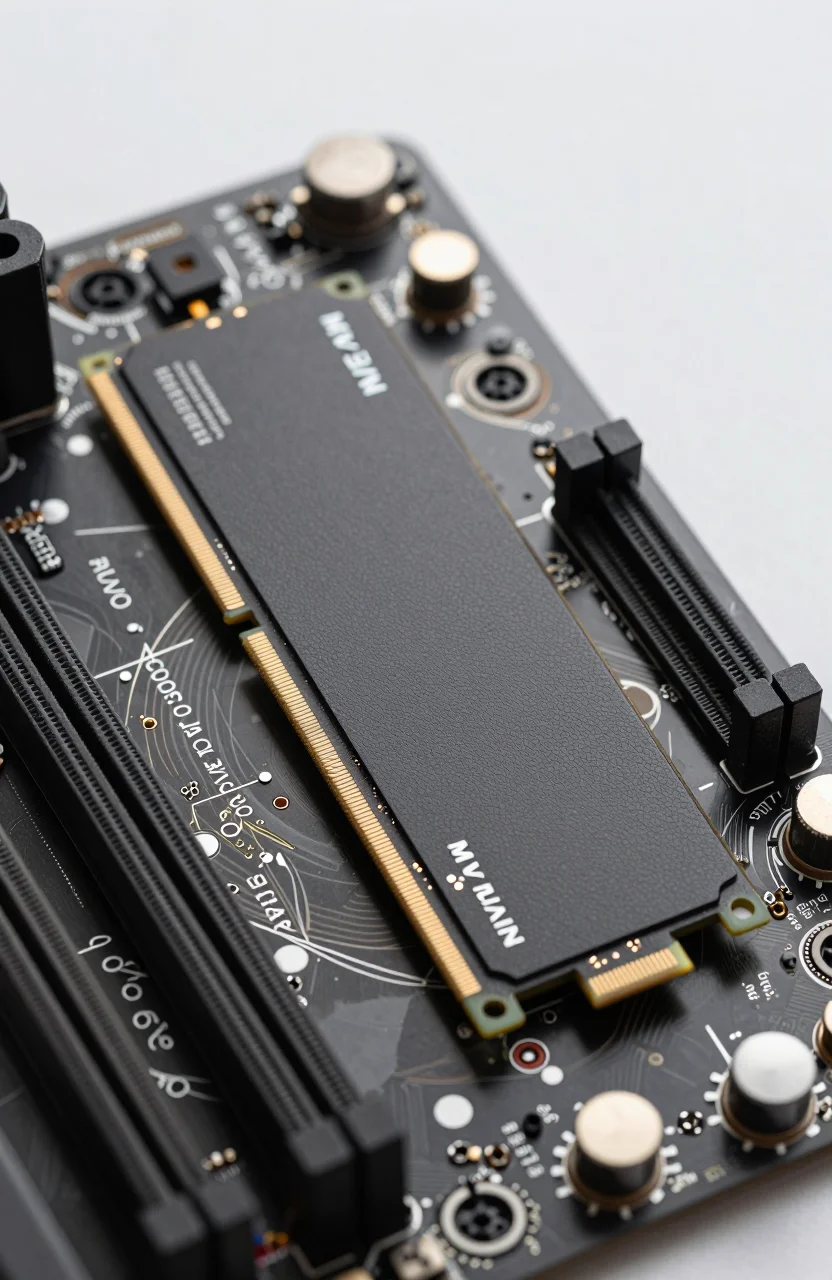
Gen5 only helps if your CPU, chipset, and M.2 slot all speak Gen5. Many mid-range boards still advertise Gen4 primary slots. Some Gen5-ready boards share lanes with other devices, so enabling the fastest slot can disable SATA ports or slow a secondary M.2. Read the manual for your exact SKU before you buy.
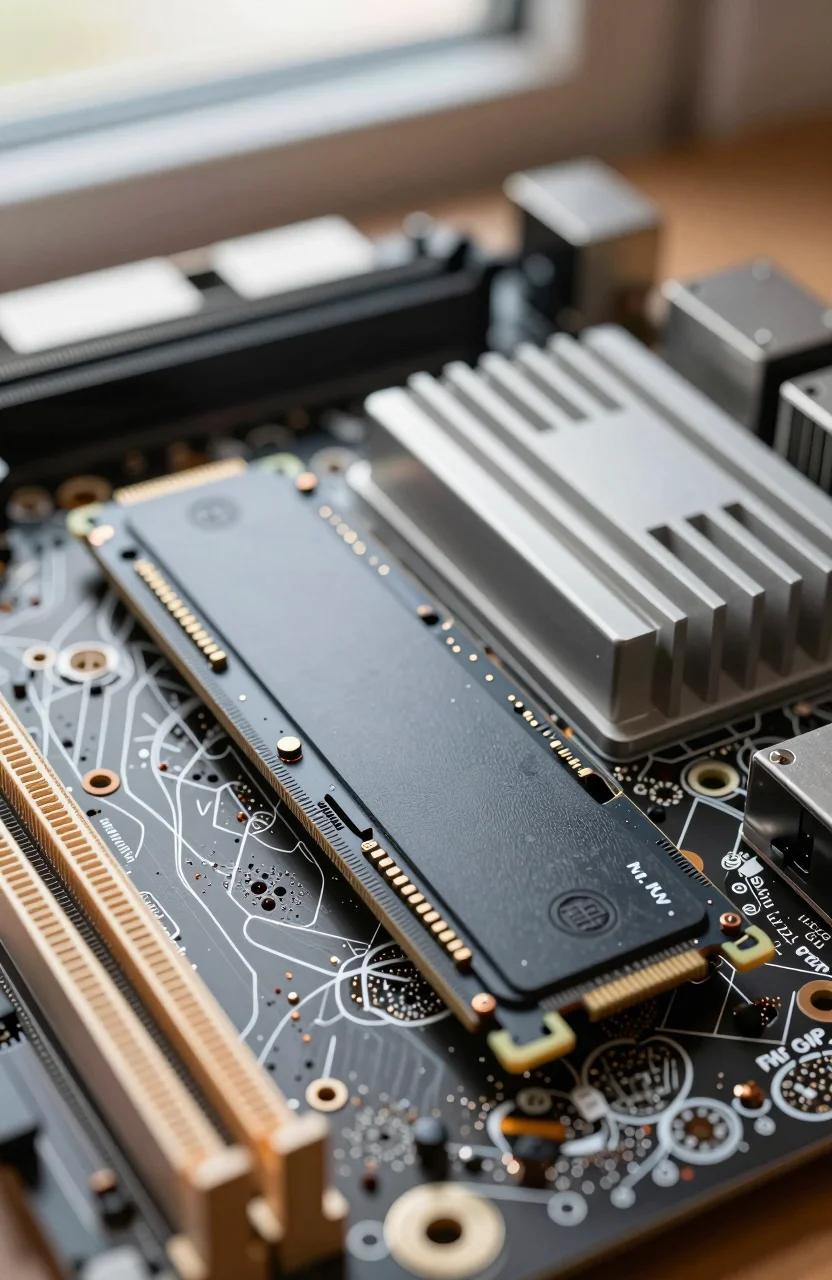
Also confirm physical clearance. Heatsinks on Gen5 drives can be taller. GPU coolers, side panels, and existing motherboard armor sometimes conflict. If your board includes a solid M.2 shield, use it. If it does not, plan for aftermarket cooling instead of assuming the drive will stay quiet under load forever.
Laptop buyers face stricter limits. Thin notebooks often ship with Gen4-only wiring even when the CPU family supports Gen5 elsewhere. Buying a Gen5 drive for a Gen4 laptop wastes money. Stick to Gen4 unless the service manual explicitly lists Gen5 support for that bay.
Thermals, heatsinks, and sustained speed
Gen5 controllers push more power and heat. Without a heatsink or good airflow, many drives throttle after short bursts. That can erase the sequential advantage right when a long copy should look impressive. Gen4 drives usually run cooler and stay closer to their rated speeds in modest cases.
If you choose Gen5, treat cooling as part of the purchase. Prefer kits with a heatsink when your motherboard shield is weak, keep intake dust filters clean, and avoid sandwiching the drive under a hot GPU with no path for air. For longevity and consistent performance tips that apply to both generations, see our guide on optimizing your NVMe SSD.
Noise is rarely a storage issue, but case fans may spin up more often if a Gen5 drive runs hot. That is another reason Gen4 remains easier in small form-factor builds.
When the Gen5 price premium is worth it
Pay for Gen5 when three conditions line up: your platform fully supports Gen5, you move large files often enough to care about sequential throughput, and the price delta over a strong Gen4 model is modest for the capacity you need. Content workflows, frequent cloning, and heavy download-to-scratch pipelines fit that profile.
Skip Gen5 when you are mainly gaming, browsing, office work, or light photo editing. In those cases, spend the difference on capacity instead. A 2TB Gen4 drive usually beats a 1TB Gen5 drive for real-world comfort because you stop managing free space as often.
Looking further ahead, PCIe 6.0 will raise the ceiling again, but that is a platform story for later hardware cycles. If you want the roadmap angle rather than a buy-now decision, read what PCIe 6.0 means for future SSDs. For a purchase today, Gen4 still covers most users, and Gen5 is a targeted upgrade, not a default.
Quick buying checklist
- Confirm Gen5 on CPU, chipset, and the exact M.2 slot.
- Prefer Gen4 for gaming-first desktops unless the Gen5 premium is small.
- Budget for a heatsink or strong motherboard shield on Gen5.
- Choose capacity before generation when the price gap is large.
- Compare live prices on the SSD tracker, then match the drive to your real copy and install habits.
Bottom line: Gen5 is real bandwidth, not a magic responsiveness upgrade. Buy it for sustained transfers on a ready platform. Otherwise a proven Gen4 drive like the 990 PRO, or a value Gen4 pick like the 990 EVO Plus, remains the smarter 2026 default.