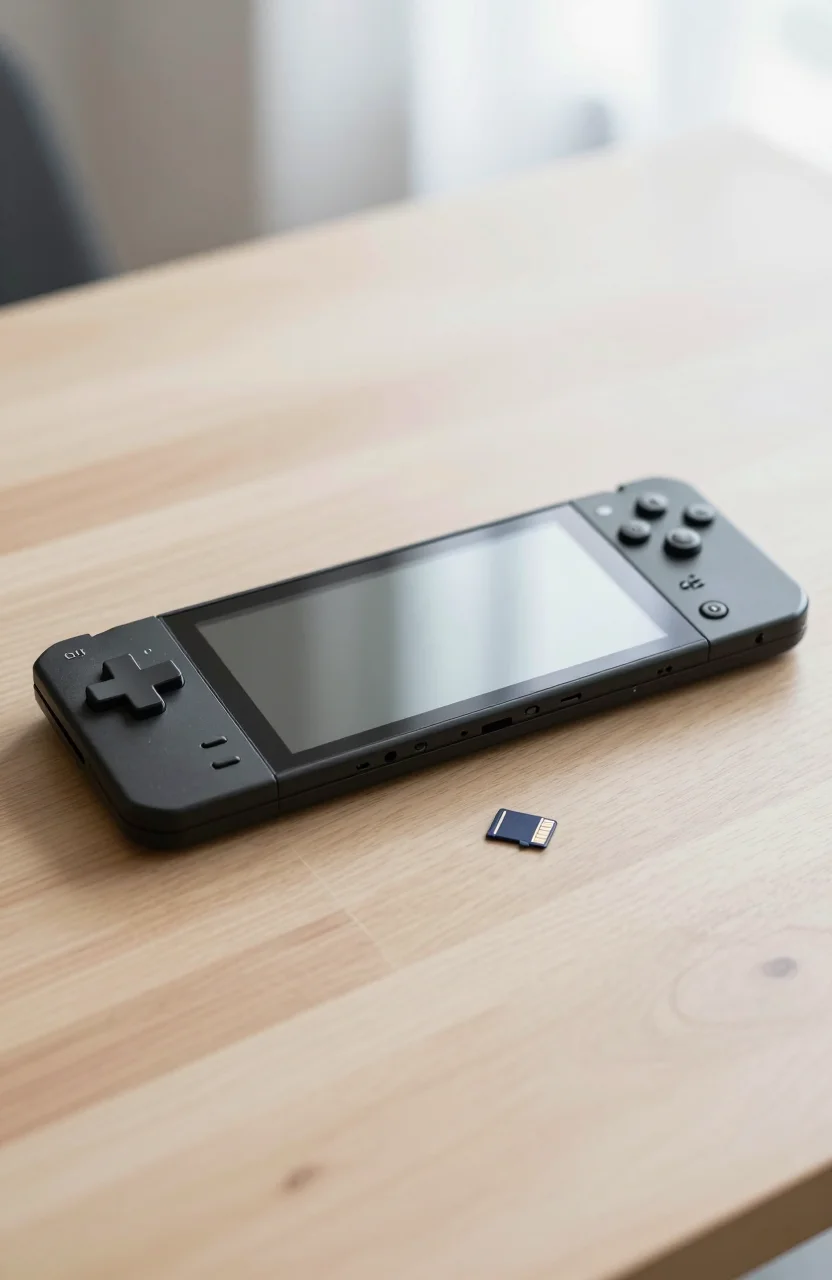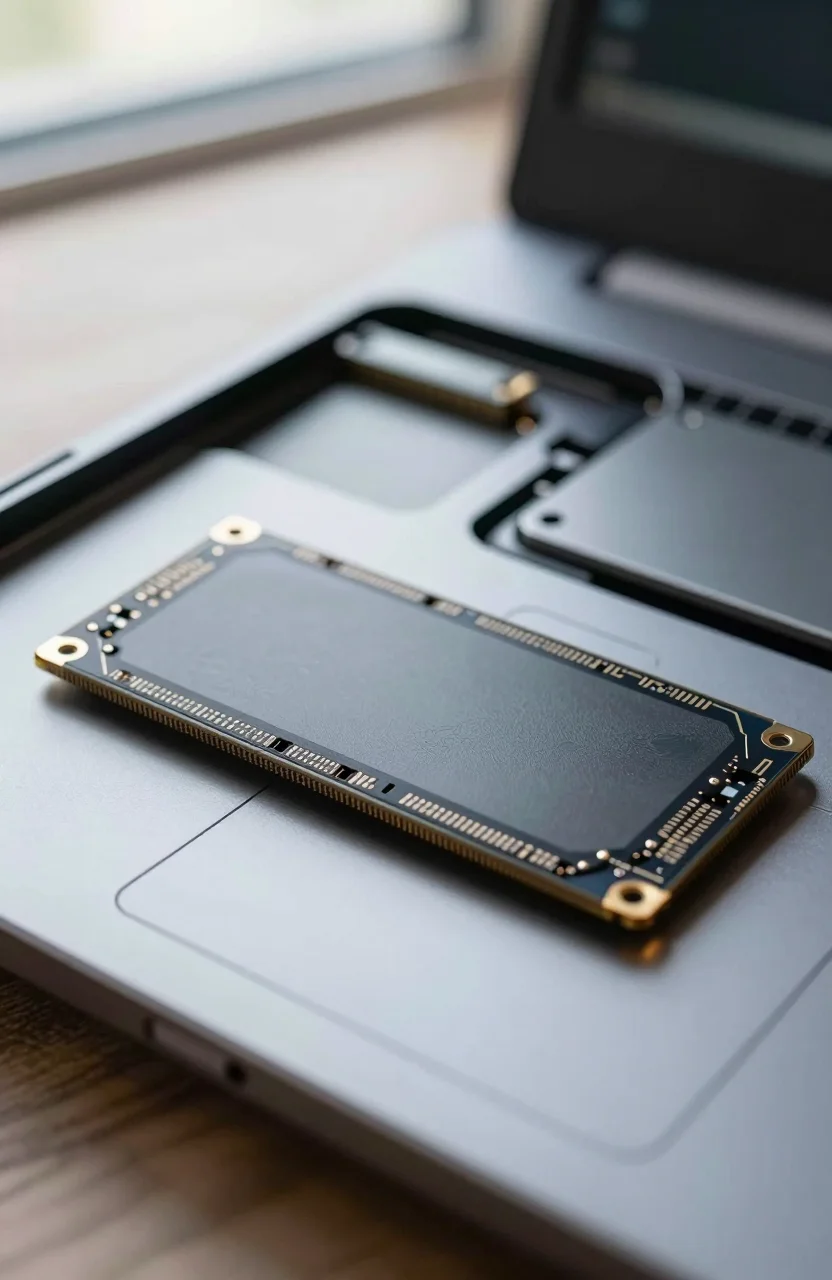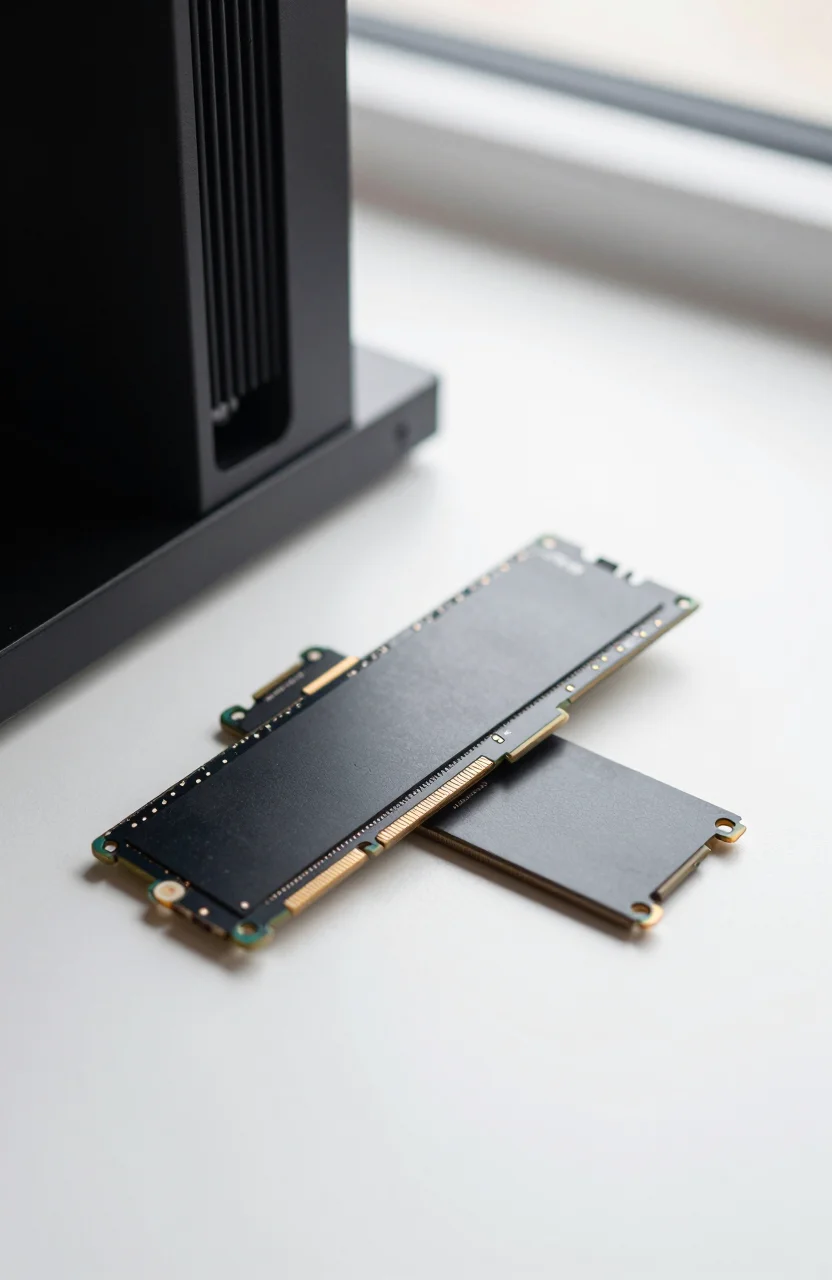
The PS5 expansion bay is not a generic M.2 slot. You need a PCIe Gen4 2280 NVMe drive that clears Sony's speed floor, fits under the cover with a heatsink no taller than 11.25mm, and formats cleanly inside the console menu. This guide stays on that bay only: no Xbox expansion cards, no bare sticks that force you to hunt for a separate cooler later.
If you already keep a large PC library, our best SSDs for gaming PCs roundup covers desktop picks. Here the job is different: install once, stay cool under sustained game downloads, and get official-ready sequential performance without paying for Gen5 that the PS5 cannot use.

- Get random read/write speeds that are 40%/55% faster than 980 PRO; Experience up to 1400K/1550K IOPS, while sequential read/write speeds up
- Use less power and get more performance; Enjoy up to 50% improved performance per watt over 980 PRO, plus optimal power efficiency with max
- Samsung's own nickel-coated controller delivers effective thermal control; With its slim size, 990 PRO is a perfect fit for desktops and lap
- Up to 65% improvement in random performance enables faster loads for an ultimate gaming experience on PS5 and DirectStorage PC games
What Sony actually requires for PS5 expansion
Sony's checklist is short and non-negotiable. The drive must be M.2 2280, PCIe Gen4 x4 NVMe, with sequential read at or above 5500MB/s. Capacities from 250GB up to 8TB are supported on paper, but 2TB is where price, library size, and availability meet for most players in 2026. The heatsink (or the licensed cooler already on the drive) must keep total height at 11.25mm or less so the cover closes without stress.
Gen5 NVMe looks impressive on product pages. On a PS5 it falls back to Gen4 link speeds, so you pay more for thermals and controllers the console never saturates. For a deeper PC-side comparison, see PCIe Gen4 vs Gen5 SSDs. For this bay, Gen4 with a proper cooler is the practical path.
Also skip SATA adapters, USB enclosures used as "expansion," and random Amazon listings that omit heatsink height. If the product photo shows a tall tower cooler or no cooler at all, it is the wrong SKU for the official slot. Browse broader SSD inventory on our SSD catalog when you need PC or portable options instead.
Why 2TB heatsink Gen4 is the sweet spot
1TB fills fast once you keep a few modern multiplayer titles plus patches. 4TB is excellent if you never delete anything, but the cost jump is steep and not every heatsink kit is stocked at that capacity. 2TB gives room for a rotating set of big games without forcing constant uninstalls, and the heatsink-ready SKUs below are widely available at that size.
Heatsink-included models matter because the PS5 bay runs warm during long installs. A drive that only hits 7300MB/s in a cold bench still needs a cooler that fits Sony's envelope. Licensed designs such as the WD_BLACK SN850P 2TB are built for that bay from day one. Third-party kits with low-profile sinks can work just as well if height and Gen4 speed claims are honest.
Best PS5 expansion SSDs for 2026
These six 2TB options all advertise Gen4 reads well above 5500MB/s and ship with a heatsink aimed at the PS5 cover. Prices move weekly; treat the figures as ballpark shopping anchors, not a fixed MSRP sheet.
Start with the officially licensed pick if you want the least guesswork: the SN850P 2TB for PS5 sits around $470, claims about 7300MB/s sequential read, and carries strong buyer ratings (about 4.8 stars) with stock that is usually reliable. It is the "buy once, stop reading forums" choice.
If you want WD performance without the licensed badge premium, the WD_BLACK SN850X 2TB with heatsink lands near $406 at roughly the same 7300MB/s class and similar 4.8-star feedback. Confirm the listing shows the heatsink SKU, not a bare board, before you checkout.
For a strong mid-tier brand name, the Lexar NM790 2TB with heatsink is often near $340 with up to 7400/6500MB/s rated sequential speeds and about 4.8 stars. Shoppers who already saw a bare NM790 elsewhere should specifically grab this cooler-included ASIN so the PS5 cover fits without a third-party sink hunt.
Value kits cluster around $330. The Bestoss 2TB NVMe heatsink PS5 drive advertises about 7350MB/s and roughly 4.7 stars. The fanxiang 2TB PS5 heatsink option sits in the same price band at about 7100MB/s and similar ratings. Both are sensible if you accept a lesser-known brand in exchange for sticking to 2TB Gen4 with a cooler already attached.
On a tighter budget, the Vansuny 2TB heatsink PS5 listing often appears near $248 with a 7300MB/s claim and about 4.4 stars. Read recent reviews for install fit and sustained heat, then verify the cooler height language matches Sony's 11.25mm limit. Savings are real; due diligence should be too.
How to pick: licensed vs value heatsink kits
Choose the SN850P when you want the officially licensed path and you prefer WD's PS5-specific packaging over hunting SKUs. Choose the SN850X heatsink kit when you already trust that controller family and want a bit more price flexibility. Choose Lexar when you want a known retail brand between premium WD and no-name kits.
Bestoss and fanxiang make sense when the listing clearly shows a low-profile sink, Gen4 speeds above 5500MB/s, and return-friendly seller terms. Vansuny is the stretch for price: fine if recent buyers report clean PS5 format and no thermal warnings during large installs. Skip any listing that hides sequential numbers, shows a bare PCB only, or fans a Gen5 marketing line as a PS5 upgrade.
Whatever you pick, keep the console firmware current before formatting the new drive. After install, move a large game and play a long session so you catch thermal throttling early while returns are still easy. If you later expand a PC as well, reuse lessons from Gen4 shopping rather than assuming a Gen5 sticker changes PS5 load times.
Install checklist and mistakes to skip
Power off fully, remove the expansion cover, seat the M.2 at the correct angle, and tighten the screw so the heatsink sits flat without rocking. Close the cover only if nothing binds. Boot, open Storage settings, format the new M.2 for PS5 use, then move or download a title you actually play.
Common mistakes: buying a bare Gen5 stick "for future-proofing," stacking a third-party cooler that exceeds 11.25mm, ignoring the 5500MB/s floor, and assuming any Amazon "PS5 compatible" badge was measured against Sony's list. Another frequent miss is paying for 4TB when 2TB would clear your backlog at a saner price.
If you want a single shortlist: licensed WD SN850P for peace of mind, SN850X or Lexar NM790 heatsink for brand-name Gen4 value, and Bestoss or fanxiang when the deal is clearly cheaper without cutting the heatsink. Check the current SN850P deal or the Lexar heatsink price before you lock a budget, then install once and get back to playing.